
If you want to make an EDM song, you do not necessarily need to learn complicated music production software first. With an AI music generator, you can create a complete electronic dance track using lyrics, style descriptions, and a few simple settings.
Below, we will use Songnexa as an example and walk through how to create an EDM song step by step.
Step 1: Open the Music Generator
Go to the Songnexa AI Music Generator page.
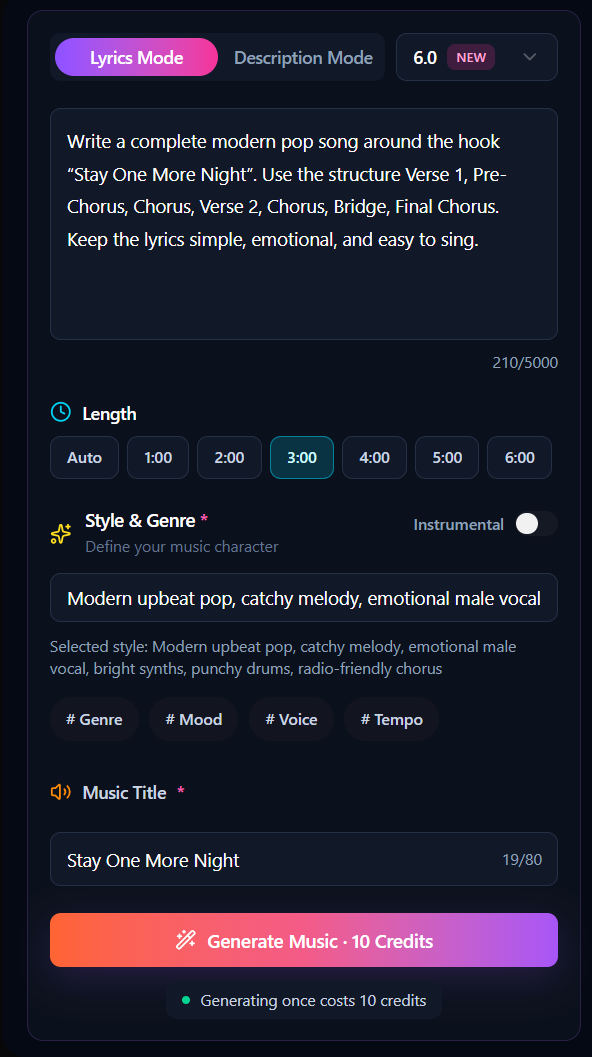
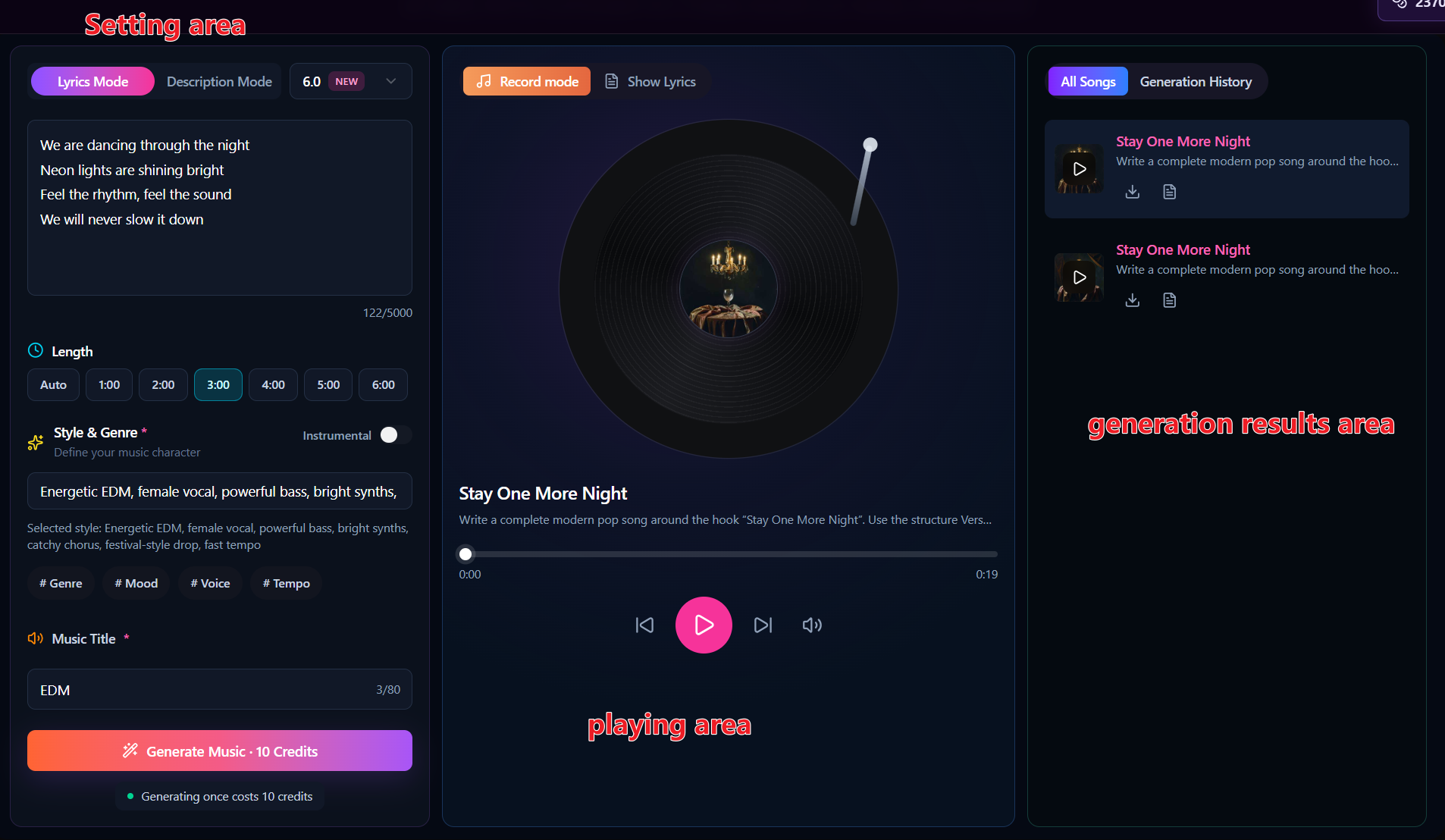
You will see the song generation area. The main settings you will use are:
- Lyrics
- Style of Music
- Title
- Instrumental
- Generate
Step 2: Enter the Lyrics
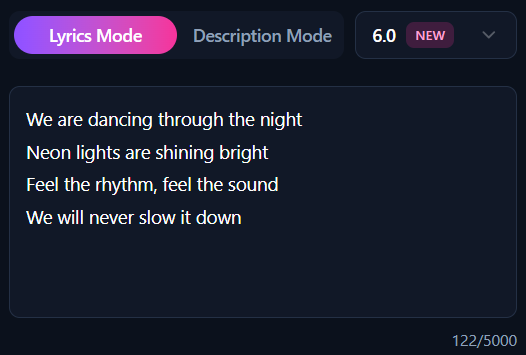
Find the Lyrics input box and enter the words you want the song to sing.
The lyrics do not need to be complicated.
You can directly use this example:
We are dancing through the night
Neon lights are shining bright
Feel the rhythm, feel the sound
We will never slow it down
EDM lyrics can usually be quite simple. The important thing is to make the chorus easy to repeat and easy to remember. Around 4–8 lines is enough for a quick test.
Step 3: Set the EDM Music Style
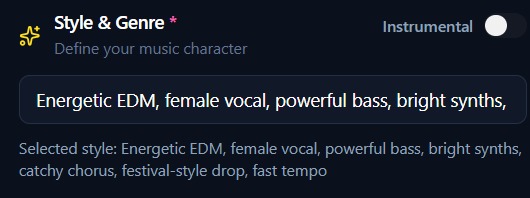
Next, find Style of Music.
This setting is very important because it determines what the generated track will sound like.
Do not enter only “EDM.” It is better to describe the style in more detail.
You can enter:
Energetic EDM, female vocal, powerful bass, bright synths, catchy chorus, festival-style drop, fast tempo
If you want a more club-oriented sound, use:
Club EDM, deep bass, strong kick drums, energetic synths, catchy vocal hook, powerful drop
If you want a lighter electronic pop style, use:
EDM pop, upbeat, bright synths, female vocal, catchy melody, clean electronic drums
Set the Duration
Set the song duration based on your needs.

Step 4: Enter the Song Title
Enter a song name in the Title field.
For example:
Neon Night
or
Dancing in the Lights
The title itself does not determine the sound of the music, so you only need to choose a name that matches the theme of the lyrics.
Step 5: Choose Whether You Want Vocals
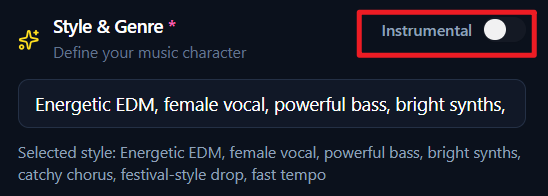
If you want to generate a complete EDM song with vocals, keep Instrumental turned off.
If you want to create video background music, game BGM, instrumental electronic music, or a DJ-style track without vocals, turn on Instrumental.
When it is enabled, the generated result will focus more on instrumental music.
Finally, click Generate and wait for the song to be created.
If the overall style is not what you expected, you do not need to rewrite the lyrics. Simply adjust the Style of Music and generate another version.
Adjust the EDM Style
If the first result feels too soft, change the Style to:
High-energy festival EDM, heavy bass, powerful kick drums, dramatic build-up, massive drop, bright synth lead
If it feels too intense, try:
Melodic EDM, emotional female vocal, soft piano intro, warm synths, uplifting chorus, smooth drop
If you want to create Future Bass, enter:
Future bass, emotional vocal, lush synths, deep bass, melodic drop, modern electronic production
By changing the Style, you can quickly generate very different EDM versions.
The same lyrics can sound completely different depending on the Style you use.
Generate several versions and choose the one that best matches the sound you want.
An EDM Prompt You Can Use Directly
If this is your first time creating EDM, try this prompt:
Energetic EDM song with female vocals, powerful bass, bright synths, catchy chorus, fast tempo, festival-style build-up and strong drop.
Then add a short set of lyrics and click Generate.
The full workflow is:
Write lyrics → Set the EDM style → Choose whether you want vocals → Click Generate → Listen → Adjust the Style → Generate again.
For beginners, this approach is much easier than learning a DAW, drum programming, and synth settings from scratch.
Advantages of Online Music Tools
1. No Installation Required
One of the biggest advantages of online music tools is their low barrier to entry. There is no need to download software or configure a complicated environment. As long as you have a browser and an internet connection, you can start creating music right away.
2. Faster Music Creation
Traditional music production often involves songwriting, arranging, recording, and post-production. Online AI music tools can greatly shorten this process. By entering lyrics, a song idea, or a style description, you can quickly generate a complete song.
3. Flexible for Different Use Cases
Online music tools usually support different music styles, song lengths, and generation modes. They can be used for YouTube background music, short videos, personal songs, birthday gifts, demos, and more. Even beginners can create music based on their own needs.